Managed IT · IT Support
From servers to cameras, your IT under one roof
We act as the outsourced IT department for organisations with no IT team of their own. Our IT specialist leads the work; every engagement starts with a written inventory.
What do managed IT services cover?
IT services cover the installation, security and day-to-day running of a company’s servers, network, backups, camera systems and staff computers. When this work is handed to an outside team, it is usually called managed IT services, outsourced IT support or IT outsourcing.
The service suits SMEs without a separate IT team, manufacturers in Organised Industrial Zones and businesses with more than one branch. In these organisations IT is often a side job that falls to the general manager, the accounts team or the one employee who is “good with computers”.
Every engagement follows the same order: survey and inventory, design and installation, then monitoring and maintenance where there is a support agreement. Each change is recorded in written documentation; admin passwords and the map of your infrastructure stay with you in writing.
Server installation and virtualisation
Not every company needs its own server; email and file sharing often run in the cloud. If accounting, ERP or production software runs on your local network, an on-site physical server may be the better fit; where you need both cloud and local systems, a hybrid set-up combines the two. Because we build software too, we look at your ERP and portals together with the servers and network they run on.
Virtualisation means running several isolated virtual servers on a single physical machine; when the hardware changes, systems move across without being rebuilt. We work with platforms such as VMware vSphere, Microsoft Hyper-V or Proxmox VE. If you are considering moving away from a platform whose licensing model has changed, we weigh up the options with you in terms of cost and risk.
Where the business cannot afford a long outage, we run virtual servers on a cluster of several physical machines; if one fails, its virtual servers restart on another machine in the cluster after a short interruption. We discuss the hardware and cost this requires openly from the start.
Cloud backup and disaster recovery
Cloud backup means a copy of your data is stored regularly in a data centre outside your office. We build the backup plan on the 3-2-1 rule: at least three copies of your data, on two different types of storage, with one kept in another physical location. We also agree with you at the outset which country the cloud copy is held in. If it is abroad, we recommend reviewing Türkiye’s data protection (KVKK) rules on cross-border transfers with your legal adviser.
Many ransomware strains look for any backups they can reach and delete or encrypt them. That is why we keep one copy either out of the network’s reach or impossible to delete for a set period (immutable), and protect access to the backup system with multi-factor authentication. OneDrive sync, RAID on the server and snapshots are useful tools, but none of them replaces a backup.
We do not rely on an untested backup; at regular intervals we restore sample files and servers and report the results to you. Which system comes back in which order, and who does what, is set out in a written recovery plan, and in a crisis the team works from that plan.
In Microsoft 365 and Google Workspace, deleted data can only be recovered for a limited time (Exchange Online, for example, keeps permanently deleted email for 14 days by default). To be able to go back further, we set up a separate backup for these services as well.
Network security, firewalls and business Wi-Fi
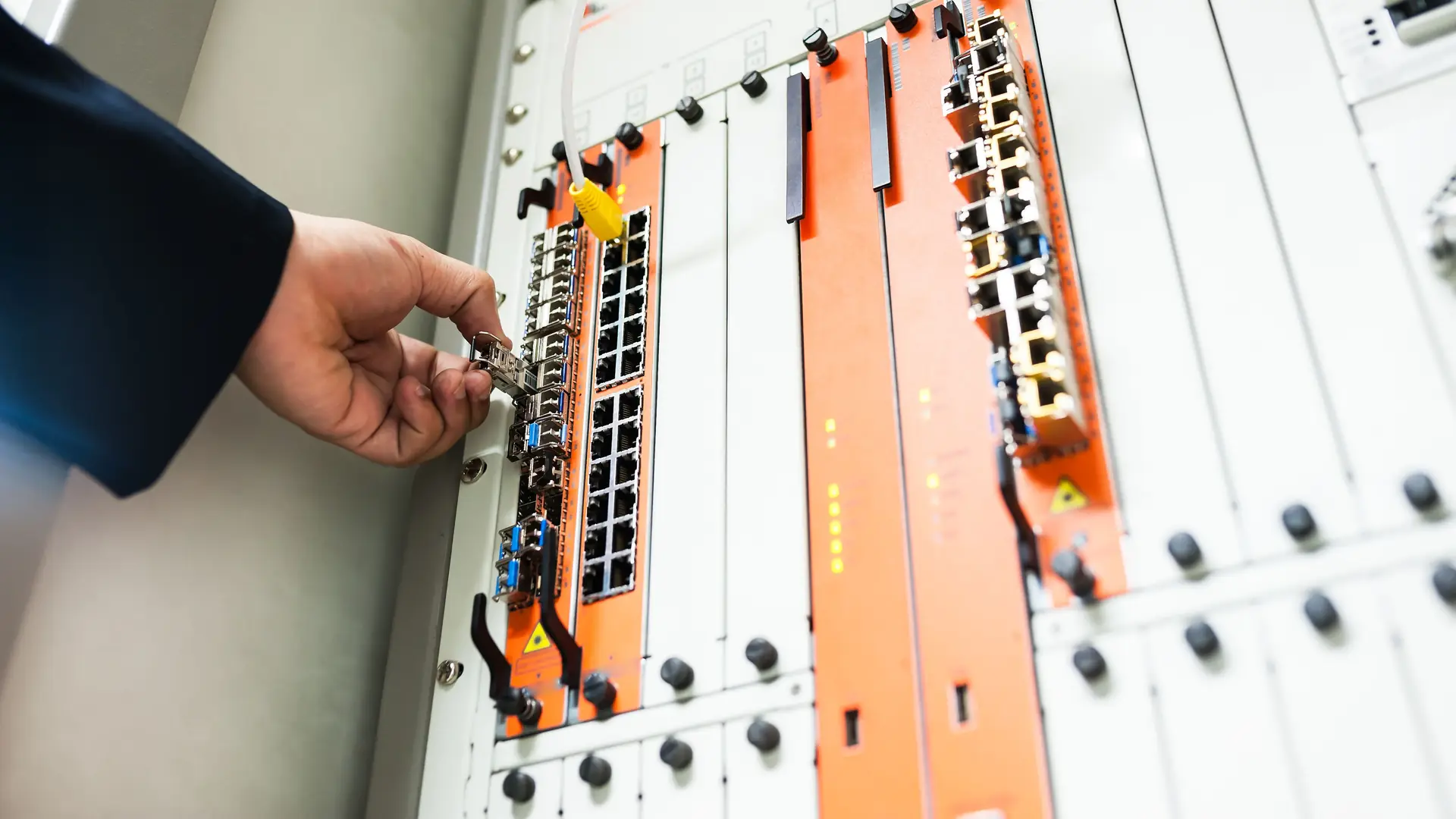
A network is built from the cable up: structured cabling, a tidy rack cabinet, switches with enough capacity and Wi-Fi access points positioned after a coverage survey. Between the internet and your company network we install a firewall (often a UTM device) that decides which connections may pass in and out.
We run guest Wi-Fi, cameras and office computers on separate network segments (VLANs) and limit traffic between them with firewall rules; a phone on the guest network cannot reach your accounts computer. When staff need to connect from home or the field, we do not expose remote desktop to the internet; we use an encrypted VPN with multi-factor authentication.
If you provide internet access to staff or guests, you may have content-filtering and access-log obligations under Law No. 5651 (Türkiye’s internet law); we configure your firewall and the log archive accordingly. Because these logs also contain personal data, we make sure only authorised people can open the archive.
CCTV installation and management
Camera installation starts with an on-site survey: which points need watching and why, where night vision is needed, cable distances and enough disk capacity for the retention period your business sets. For new installations we recommend IP cameras with a network video recorder (NVR); if existing coaxial cabling is sound, upgrading to analogue HD cameras can also be an option.
We never expose the recorder directly to the internet: we change default passwords, move the cameras onto a separate network segment and set up viewing from your phone over a VPN. Under a maintenance agreement we check regularly that recordings are being made, that the disks are healthy and that device firmware is up to date.
We position cameras at security points such as entrances, the warehouse, the car park and the perimeter. We follow the announcement of 8 June 2026 by Türkiye’s Data Protection Authority (KVKK) on workplace cameras: no cameras in toilets, changing rooms, prayer rooms or rest areas, and audio recording off by default. Legal decisions such as the privacy notice and the retention period remain with your business.
Remote and on-site IT support
Most day-to-day IT support runs remotely: user accounts and permissions, Microsoft 365 or Google Workspace administration, Active Directory, licence tracking and updates. We spot systems whose vendor support has ended or is about to end, such as Windows Server 2016 (extended support until January 2027). We then plan the migration early, so it disrupts your work as little as possible.
Structured cabling, rack layout and the installation of cameras and servers, on the other hand, are done on site. We travel from our office in Çorlu to surrounding districts such as Çerkezköy, Kapaklı, Lüleburgaz and Silivri. For companies outside this on-site area, we manage systems remotely and are on site at critical stages such as installation and migration. Response times are agreed with you in the contract.
Scope
What this service includes
Behind the scenes
User and device support
Set-up, updates and inventory of computers, printers and phones; troubleshooting and user help, remotely or on site.
Email, identity and permissions
Microsoft 365 or Google Workspace, Active Directory, user accounts, multi-factor authentication and licence tracking.
Security camera systems
On-site survey, IP camera and NVR installation, disk sizing for your retention period, remote viewing over VPN and regular maintenance.
Network and firewall
Structured cabling and racks, switches and Wi-Fi, separate network segments (VLANs), firewall, VPN and Law 5651 access logs.
Servers and virtualisation
Physical, cloud or hybrid server set-up; virtual servers on platforms such as VMware vSphere, Hyper-V or Proxmox VE.
Backup and disaster recovery
Local and cloud backup on the 3-2-1 rule, an offline or immutable copy, regular restore tests and a written recovery plan.
FAQ
Common questions about managed IT services
Should we hire IT staff or outsource our IT?
If the day-to-day workload would keep one person busy full time, hiring in-house is a sensible choice. If it would not, or if you need experience across different areas such as servers, networks, backup and cameras, outsourced IT support is usually the better fit. If you already have IT staff, we work alongside them.
Which work is done remotely and which on site?
User support and updates mostly run remotely; cabling, camera and server installations are done on site. From our office in Çorlu we also travel to Çerkezköy, Kapaklı, Ergene (Velimeşe), Muratlı, Saray, Marmaraereğlisi, Süleymanpaşa (central Tekirdağ), Lüleburgaz and Silivri. Outside this area, we manage systems remotely and are on site at critical stages such as installation and migration. Response times are agreed with you in the contract.
Can you take over infrastructure from a previous provider?
Yes. We start with a survey and inventory: which servers and devices you have, whether backups are actually being taken, who holds the admin passwords and the state of your licences. The findings go into a written list ordered by priority. We do not change working systems straight away; during the handover we work with the previous provider or your own staff.
Does backup give full protection against ransomware?
No. Nothing removes the risk entirely; the aim is to be able to recover from a clean copy after an attack. That is why we keep one copy out of the network’s reach or impossible to delete for a set period, and test restores regularly. We also agree at the outset how much data loss you can accept (RPO) and how quickly systems must be running again (RTO).
Does a business offering guest Wi-Fi have to keep logs?
Businesses that provide internet access to staff or guests may count as collective use providers (toplu kullanım sağlayıcı) under Türkiye’s Law No. 5651. The related regulation requires content filtering and keeping access logs (for example, which internal IP address went to which device and when) for two years. In areas open to the public, users must also be identified by SMS or a similar method. We handle the technical set-up; we recommend confirming your position with your legal adviser.
How long should CCTV footage be kept?
There is no single legal retention period for an ordinary workplace camera. Türkiye’s Data Protection Authority (KVKK) expects footage to be kept for the shortest possible time and deleted automatically once that time has passed, while sector-specific rules may set their own periods. Your business sets the period with its legal adviser; we size the recorder’s disk capacity to match and set up automatic deletion.
How are managed IT services priced?
Once the scope is clear — the number of users and devices, the sites to be covered, how often on-site visits are needed and the systems to be installed — we send a written proposal. The work can run as a regular support agreement with a scope set around your needs, or as a project such as a camera or server installation. The first meeting and the initial infrastructure assessment are free of charge.
When was your backup last tested?
In a free initial assessment we review your backup, servers, network and cameras together, then talk through the main risks and first steps
Get in touch